WhatsApp message templates
A message template is a message Meta approves in advance, and the only kind you can send outside a customer service window.
Updated 26 November 2026
This guide covers the categories, Meta's review, quality ratings and the limits on each part.
Categories
Every template belongs to one of three categories: marketing, utility or authentication. The category also sets the price Meta charges for each delivered message, and Meta says templates in the wrong category can face consequences. Current rates are in our WhatsApp Business API pricing guide.
You need a template when you message someone outside a customer service window. That window opens when the customer messages you and lasts 24 hours. Inside it you can reply freely with no template. The 24-hour window guide explains how it opens and resets.
Review
Meta reviews a template automatically when you create or edit it, and says the review can take up to 24 hours. Only approved templates can be sent. You make templates in WhatsApp Manager or through the Message Templates API.
Because of the wait, create a template at least a day before you need it, and keep the wording close to what the category says it is. Editing an approved template sends it back for review.
WhatsApp Manager shows each template's status: In-Review, Rejected, Active, Paused, Disabled or Appeal Requested. Rejected, Paused and Disabled templates cannot be sent.
Quality
An active template carries a quality rating of High, Medium, Low or Quality pending, based on how it is used, customer feedback and engagement. Medium and Low templates can still be sent, but they risk being paused or disabled.
Meta pauses a template after recurring negative feedback or low read rates, and it cannot be sent until the problem is resolved. In large campaigns Meta also batches template deliveries, so it can review feedback before the rest go out.
Parts and limits
- Header (optional): text up to 60 characters with one variable, or an image, video, GIF, document or location.
- Body (required): up to 1,024 characters.
- Footer (optional): text only, up to 60 characters.
- Buttons (optional): up to 10 in total. Up to 10 quick replies (labels up to 25 characters), up to 2 website links, 1 phone number and 1 copy code button. With more than 3 buttons, only two show at first.
- How many: 250 templates per account while your business portfolio is unverified, up to 6,000 once it is verified and a number has an approved display name. Each language version counts as a template.
- Pace and clean-up: up to 100 new templates an hour. Templates unused for 12 months are archived, then deleted after 28 days unless you unarchive them.
On ChatFairy
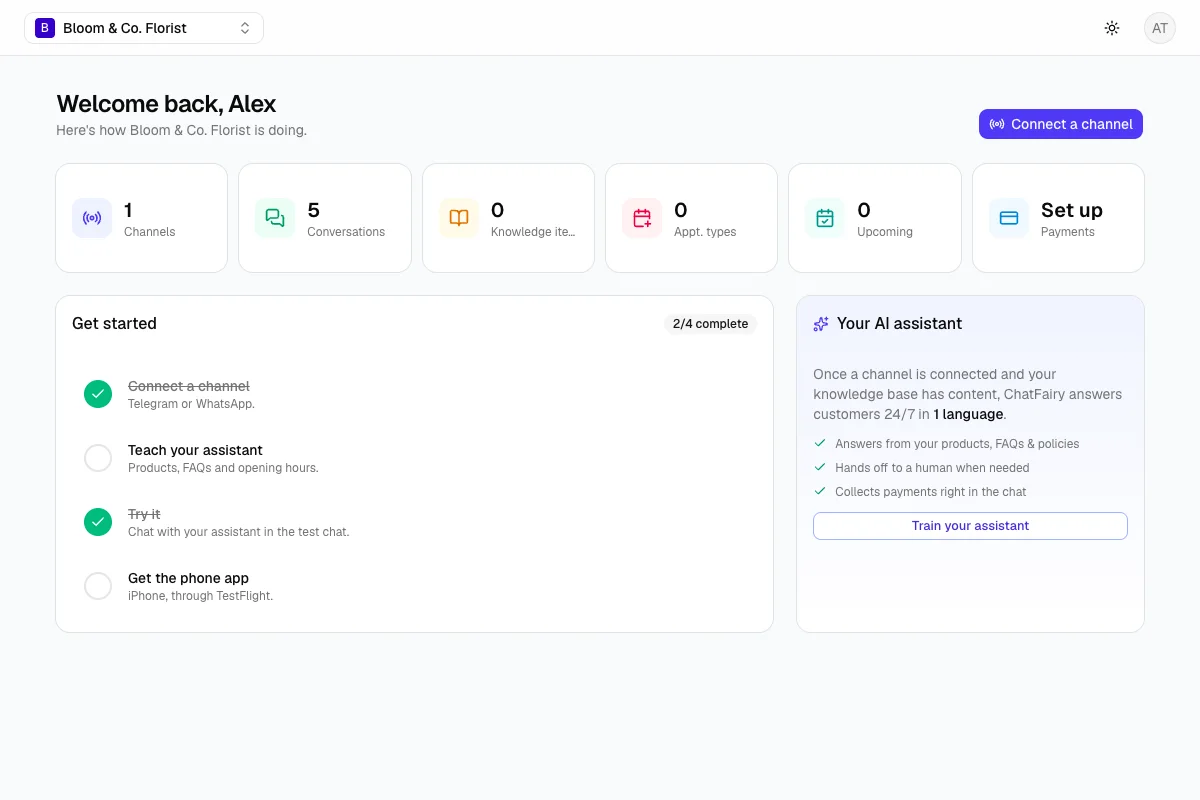
ChatFairy is built to answer customers who message you first. Its replies go out inside the 24-hour window, so they need no template.
To send a template, use ChatFairy's server-to-server API. It can send an approved template, list your templates and create new ones, which then go through Meta's review as usual. API keys are issued by the ChatFairy team on request: see Developers.
There is no broadcast or campaign screen in the dashboard yet, so you cannot send a template to a list from there.
Sources
Checked against the official pages on 26 November 2026.