WhatsApp chatbot for salons
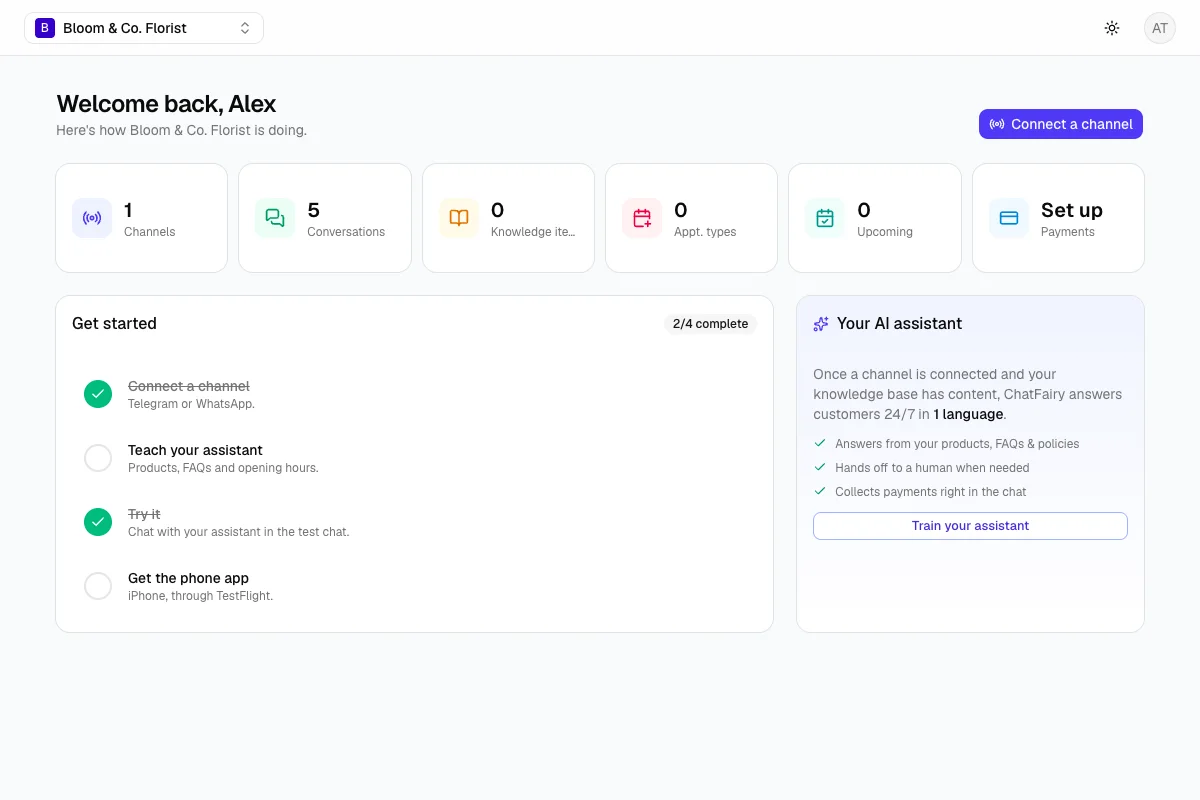
ChatFairy answers WhatsApp questions about your services, prices and stylists, and books appointments into Google Calendar.
Free during the open beta. No card needed.
Each booking goes into the right stylist's, chair's or room's calendar, and it sends a Stripe payment link when you ask for a deposit.
The problem
Clients message while you are cutting, colouring or in a treatment room, and again late in the evening when they finally have time to plan. A slow reply sends them to the next salon on their list.
- The same questions all day: how much is a cut, is Mei free on Saturday, how long does a facial take.
- Stopping mid-service to check the diary and type a reply.
- Evening and weekend requests that wait until the next morning, by which time the slot has gone elsewhere.
How it works
Load your menu and policies
Add each service with its length and price, who offers it, and your rules on deposits, lateness and cancellations.
Connect WhatsApp and your calendars
Link your WhatsApp Business number (or a Telegram bot) with the guided setup, then point each service at a Google Calendar: one per stylist, chair or room.
Let it answer and book
The assistant answers questions, offers only the times marked Free on the right calendar, books the appointment and sends a deposit link if you take one.
What it handles
Answers from your own menu
Services, prices, how long each one takes, aftercare and products: answered from what you loaded, never guessed.
Books the right stylist or room
Each service points at a Google Calendar, so a cut with Mei goes into Mei's calendar and a massage goes into the treatment room's calendar.
No double-booked chairs
It offers only the times you marked as Free and writes each booking back, so no slot is sold twice. Calendar changes sync back within five minutes.
Deposits in the chat
Connect your own Stripe account and the assistant sends a payment link for the deposit. The payment is recorded against the conversation.
Replies in the client's language
It answers in the language the client writes in, from the languages you enable, with the name, tone and greeting you set.
One inbox for the whole team
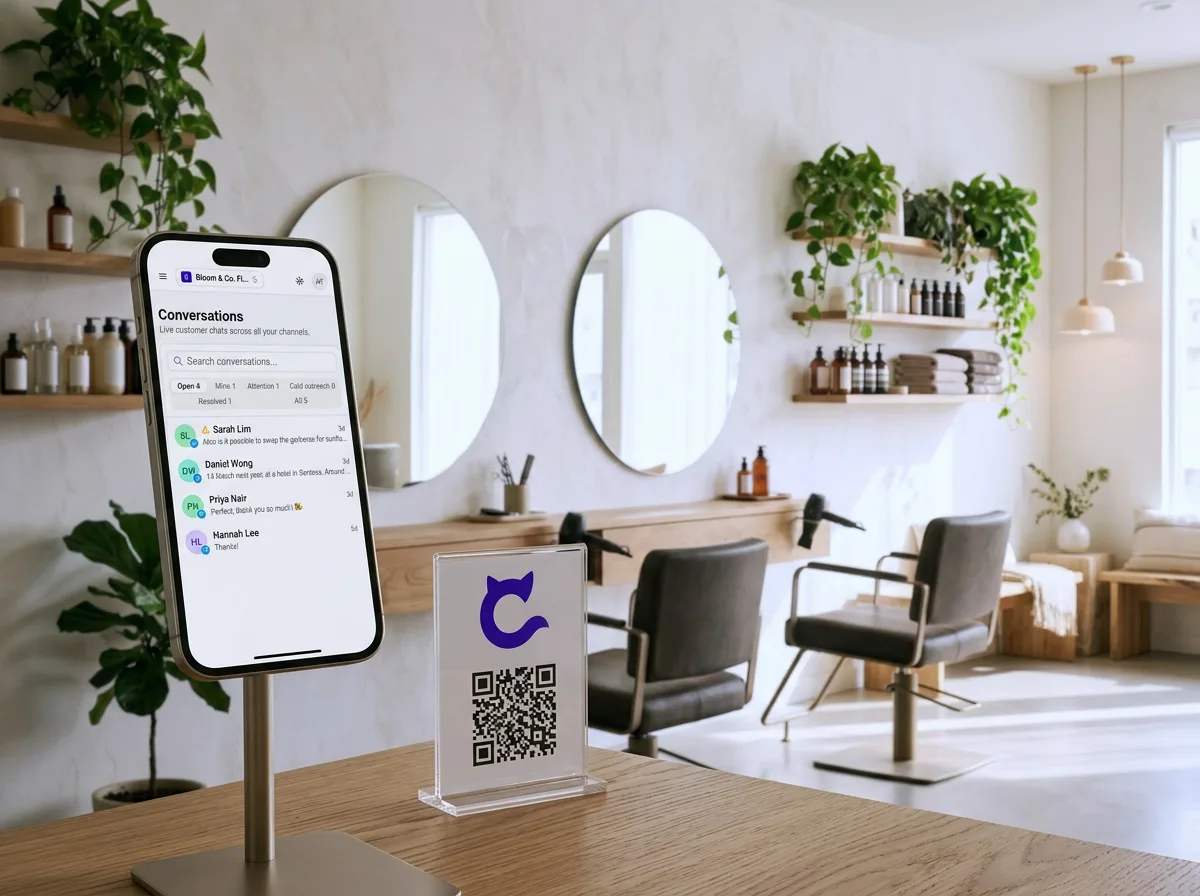
Every conversation sits in a real-time shared inbox on the web and the iPhone app. Clients' reference photos show in the inbox too.
Handover
Colour corrections, allergy and skin concerns, complaints and refunds stay with your team. When a client asks for a person, or the assistant cannot answer from your information, the conversation is flagged in your inbox and you are notified, with the full chat in front of you.
Pricing
ChatFairy is free during the open beta: every feature, both channels, unlimited team members and the iPhone app, with no card and no end date yet. On ChatFairy's built-in AI an account gets up to 200 AI conversations a day, and adding your own AI key removes that limit. When the beta ends, Pro is planned at about US$24 a month, and beta accounts get at least 30 days notice by email first. See pricing.
Kelin Studio, the studio behind ChatFairy, also offers a done-for-you setup: it builds your knowledge base, connects your number and tunes the assistant on real chats.